Putting my own face in places I have never been
Generated portraits, free to download, with the prompt for making your own from them.
10 Sept 2026
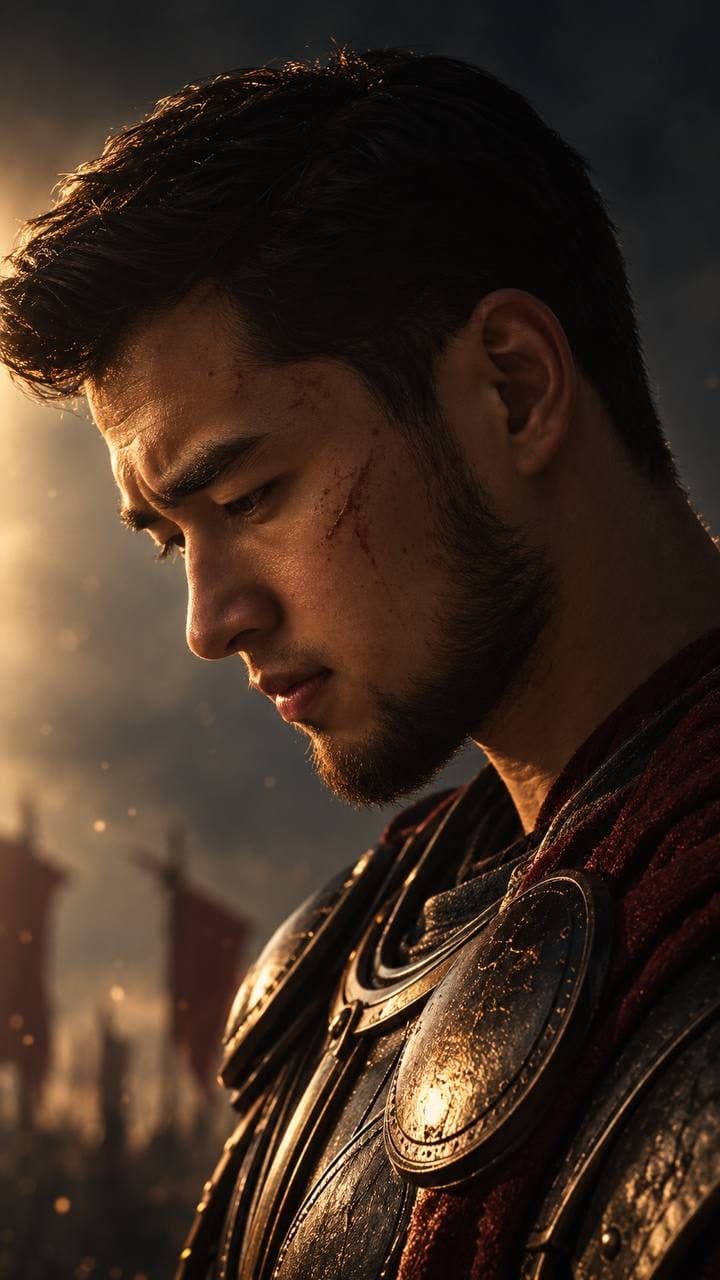
Experiments in image generation and enhancement, all made with ChatGPT on the Go plan. Download any of them, feed it back to a model with a photo of your own face, and you can make the same picture of yourself — the prompt for that is underneath.
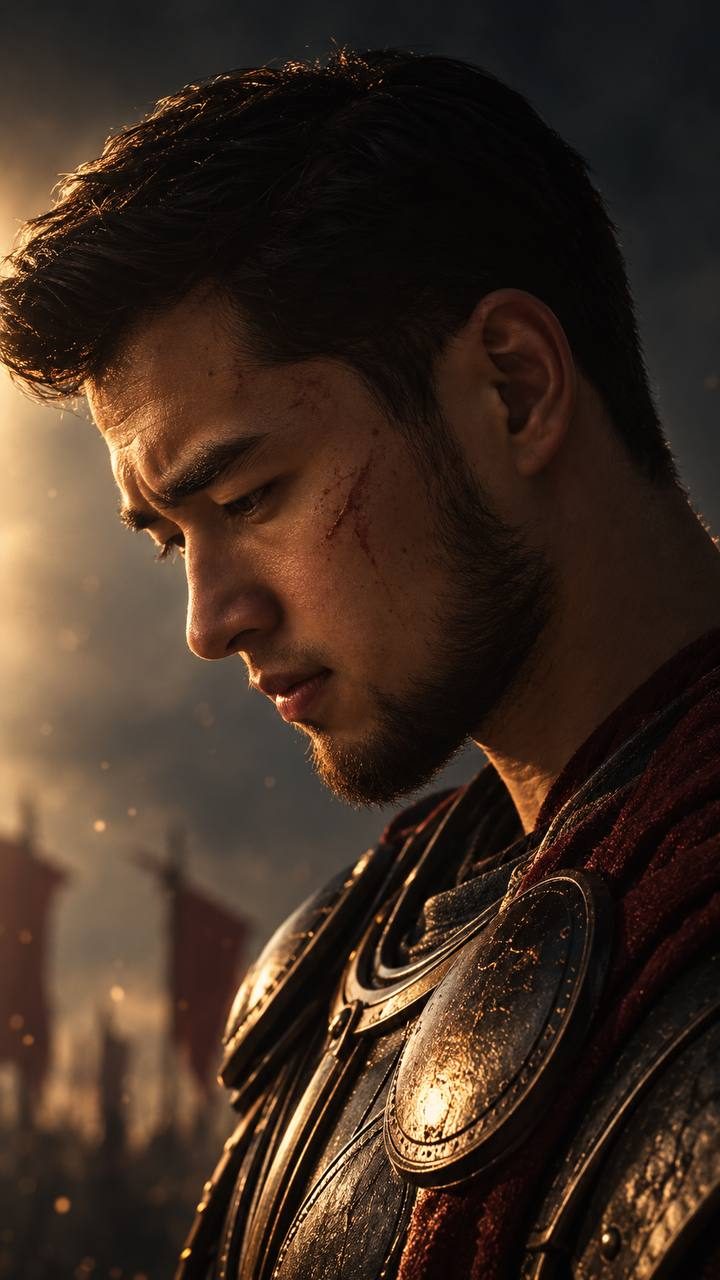
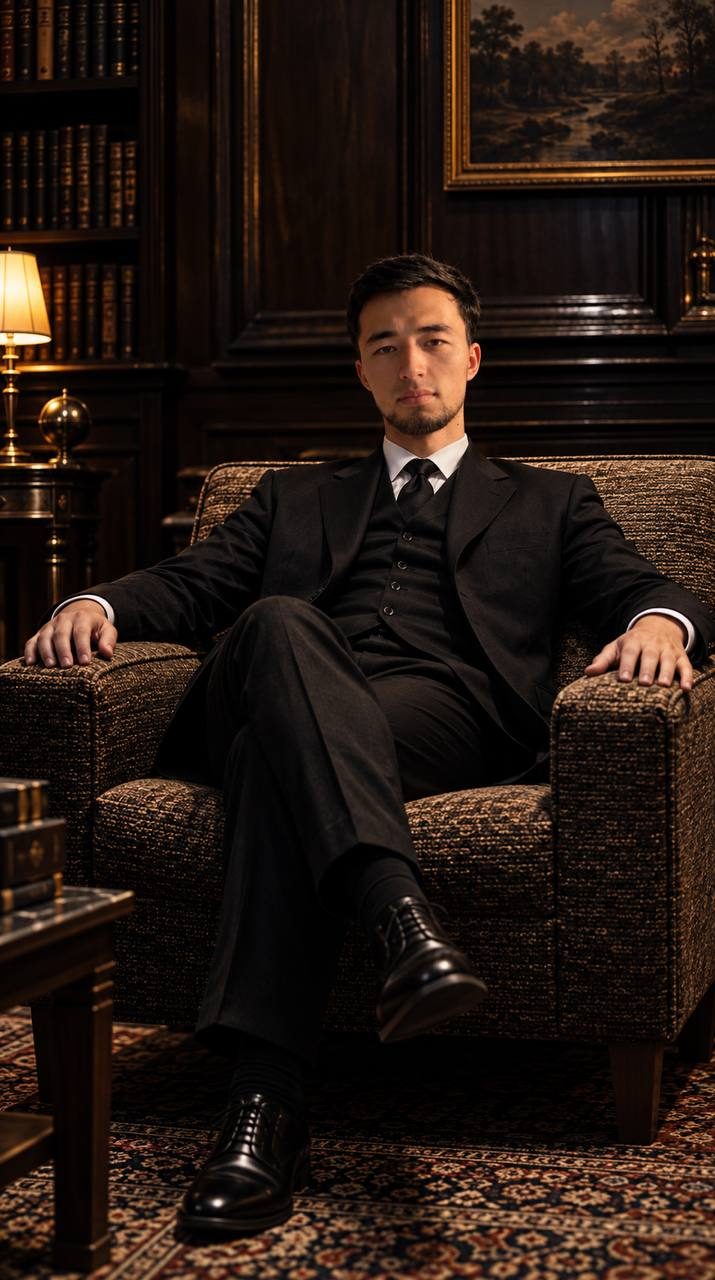
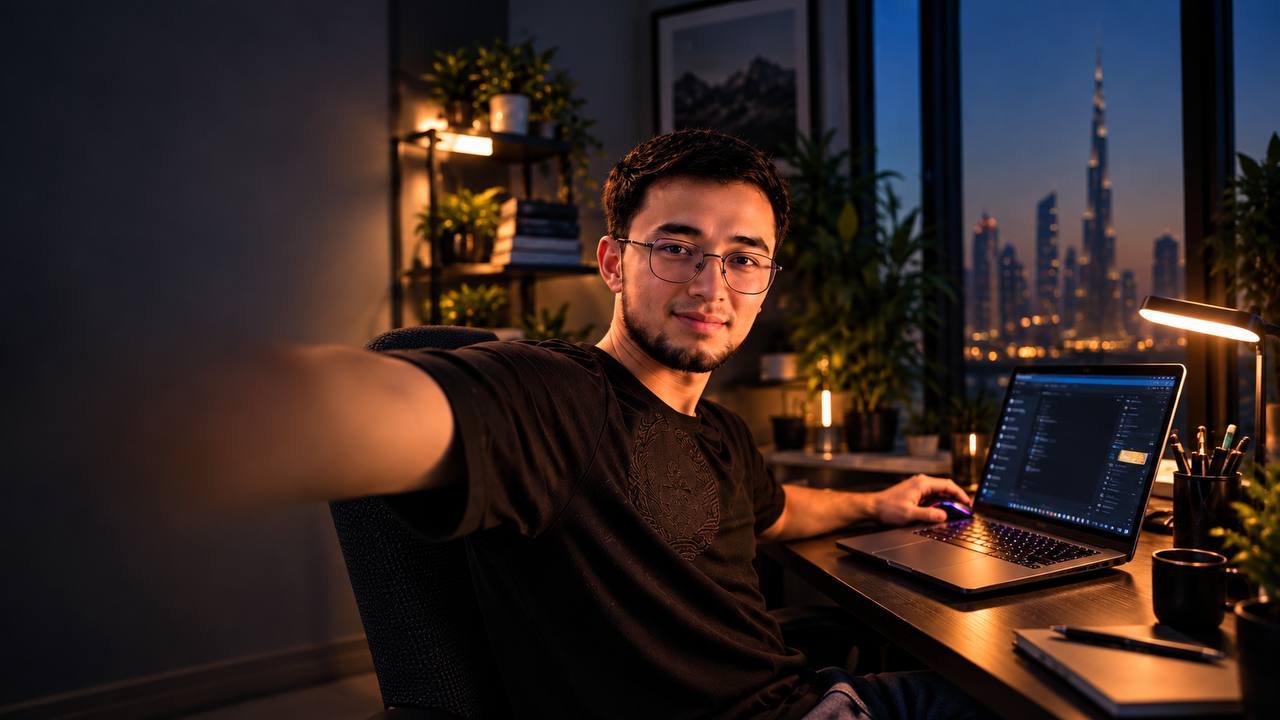
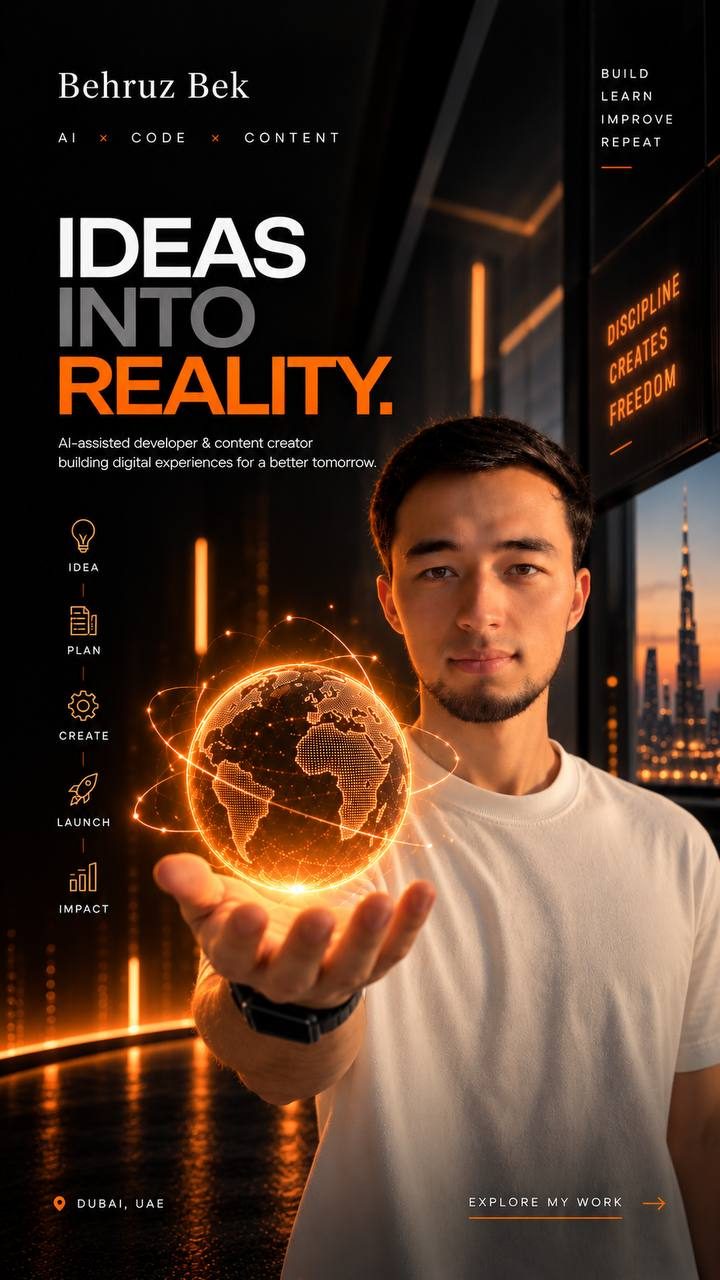
Use one as a reference
Download any image above, then give a model two pictures: that image, and a clean, well-lit photo of your own face looking straight at the camera. No sunglasses, no heavy shadow, no filter — whatever you feed in as your face is the ceiling on how much the result will look like you.
Then paste this.
I am giving you two images.

IMAGE 1 is a style reference. Take from it only the setting, the lighting,
the wardrobe, the camera angle, the colour grade and the overall mood.

IMAGE 2 is my face. This is the part that must not change.

Recreate the scene from IMAGE 1 as a photograph, with the person from
IMAGE 2 as the subject.

About the face — this matters more than everything else combined:

- Keep the exact facial structure from IMAGE 2: the shape of the jaw and
  chin, the nose, the eyes and their spacing, the brow, the hairline.
- Keep my skin tone and skin texture, and any moles, marks or scars.
- Keep my apparent age, my build and my hair exactly as they are.
- Do not slim, smooth, beautify or idealise me. Do not straighten my nose,
  sharpen my jaw, or clear my skin.
- Do not drift the face toward a generic attractive average. If the result
  looks like a good-looking stranger, it is wrong.
- The only thing you may change about my face is how the scene's light
  falls across it, so it belongs in IMAGE 1's lighting.

Render it as a real photograph — not an illustration, painting or 3D render.
When the face comes back wrong — and it will, the first few times — do not start again. Keep the scene and correct only the face:
The scene is right. The face is not mine yet.

Keep everything else exactly as it is and correct the face to match IMAGE 2
more closely. Look specifically at [the jaw / the nose / the eye spacing /
the hairline]. Do not change the lighting, the pose or the background.
Naming the wrong feature is what makes this work. "Make it look more like me" gets you another stranger. "The jaw is too narrow and the eyes are too far apart" gets you a fix.
What I found
The scene is the easy part. Armour, panelled walls, a skyline at dusk — those come out convincing almost immediately. The face takes far longer, and the face is the only thing anyone actually checks. Every one of these took several attempts before the man in the picture was recognisably me rather than a generic version of me.
Worth saying plainly: none of these are photographs. I have not worn that armour or sat in that library. The desk scene is the one to watch, because it is the most ordinary and therefore the most believable — it was the front page of this site until September, and it was generated too.
Tell me what you built with it.
Genuinely useful feedback is what decides which resource gets written next.