A shooting guide for two people and one phone
Twelve cinematic shots as animated diagrams, with a live preview of what the lens sees.
1 Sept 2026
Most shot lists assume you already know what the words mean. "Push in slowly, keep him centred, full body" is a complete instruction to someone who has held a camera before and almost useless to someone who hasn't. This is the version I wanted instead: every shot as a small animation you watch once and then copy, with the actor, the camera, the movement and the timing all visible at the same time.
The constraint
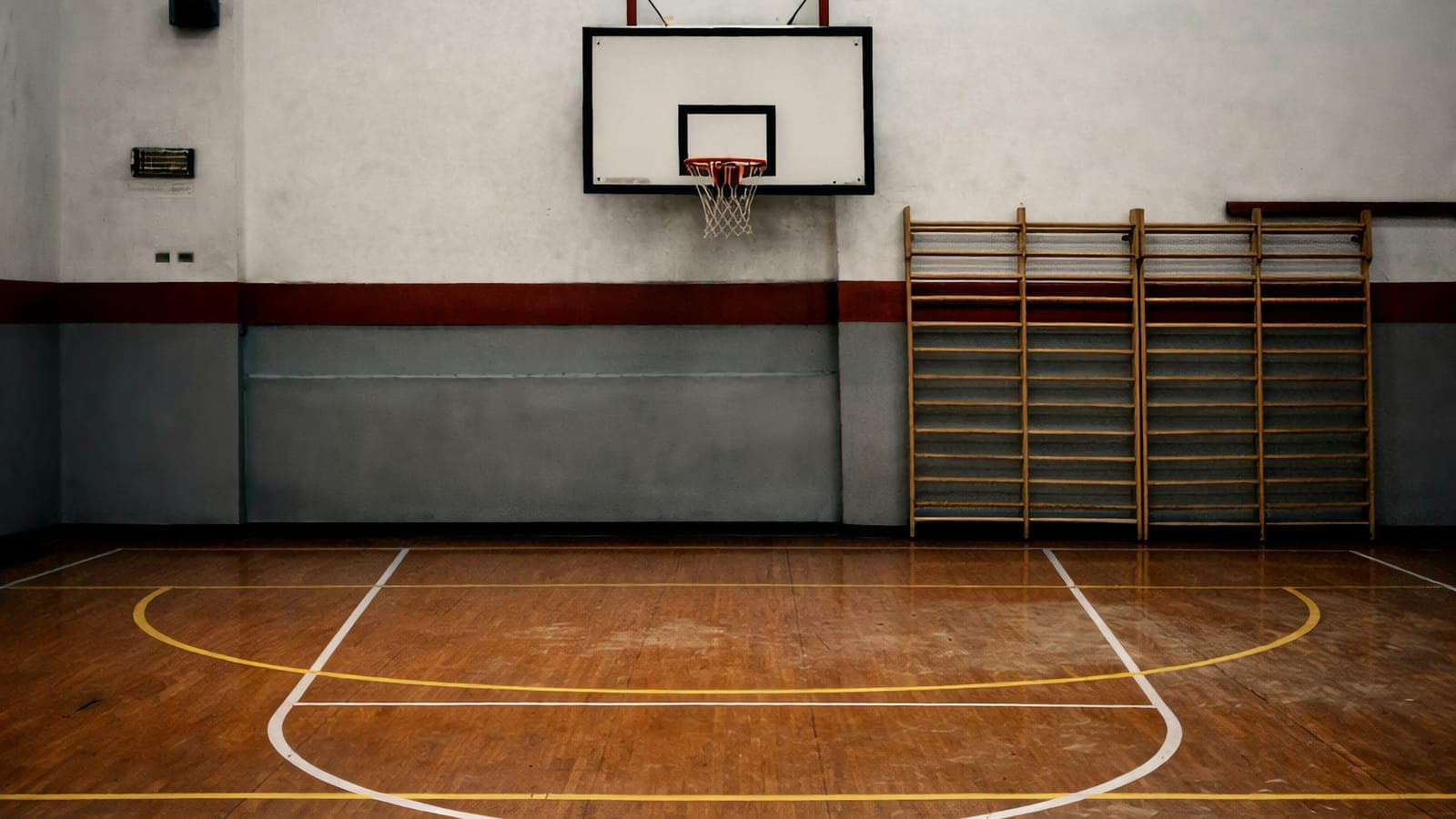
Two people, one phone, one indoor court, and a cameraman getting about thirty seconds of instruction before each setup. Anything that needed explaining twice had already failed. It also had to be readable on a phone held in one hand, standing up, in a room with bad light, which rules out most of what a shot list normally looks like.
How it works
It runs SET → twelve shots → WRAP.
SET is the camera setup, once: vertical 9:16, rear camera, 1×, 4K 30, and the rules that save the footage, clean the lens, no digital zoom, no filters, lock the exposure, roll three seconds before and after every take.
Each shot is a top-down diagram of the court with the actor in orange, the cameraman in blue, the lens cone, dashed movement paths and a pulsing ring wherever somebody has to hold still. Next to it, a phone-shaped monitor previews what the camera actually sees at that exact moment of the take. Play, scrub, or step through beat by beat; the timing rows highlight in sync.
WRAP is the two extra passes, three shots repeated in Cinematic mode, two or three in slow motion, plus the only three rules that matter afterwards: two to three takes of everything, keep the raw footage, delete nothing.
The interesting part is not the animation, it is the arithmetic underneath it. A phone's main lens is far wider than people expect: the vertical frame is roughly 1.5 × the distance to your subject. So a 1.75 m person fills the frame like this:
| You stand at | You get |
|---|---|
| 5 m | a small figure, a wide establishing shot, whether you wanted one or not |
| 3 m | full body with generous space around it |
| 1.5 m | full body, comfortably framed |
| 0.8 m | waist up |
| 0.5 m | chest up, a real close-up |
Every distance in the guide is derived from that, rather than from how far away a shot "feels" like it should be. It is also why the close-up diagram shows the two figures almost touching: at half a metre it looks wrong on paper and correct on screen. Almost every "my phone footage looks flat" problem is this one number.
What I would change
I built all twelve setups before standing on the court with any of them. The honest test of a tool like this is whether the cameraman actually reaches for it between takes or just remembers the last thing you said, and I designed the whole thing before finding that out.
It also teaches shots rather than a story. Twelve well-executed setups with no idea underneath them cut together into a showreel, not a film. That was fine for what I needed raw material, but a version built around a scene, rather than around a catalogue of camera moves, would be the more useful thing to have made.
And it says nothing about sound, because the footage it was built for has none.
Shot Planning Toolkit
A pacing guide, a storyboard and a briefing. Enough to run a shoot with a first-timer.
Read ProjectsThis site
Two content collections, a design system in one file, and a publishing loop that ends here.
Read ProjectsHow I actually build with Claude Code
The working loop. Project context, questions before code, and small slices verified in the browser.
ReadNeed something built along these lines?