Shot Planning Toolkit
Three linked pages — a pacing guide, a shot-by-shot storyboard, and an autoplaying briefing — built to run a 3-hour raw-footage shoot with a friend who had never operated a camera for this before.
1 Sept 2026
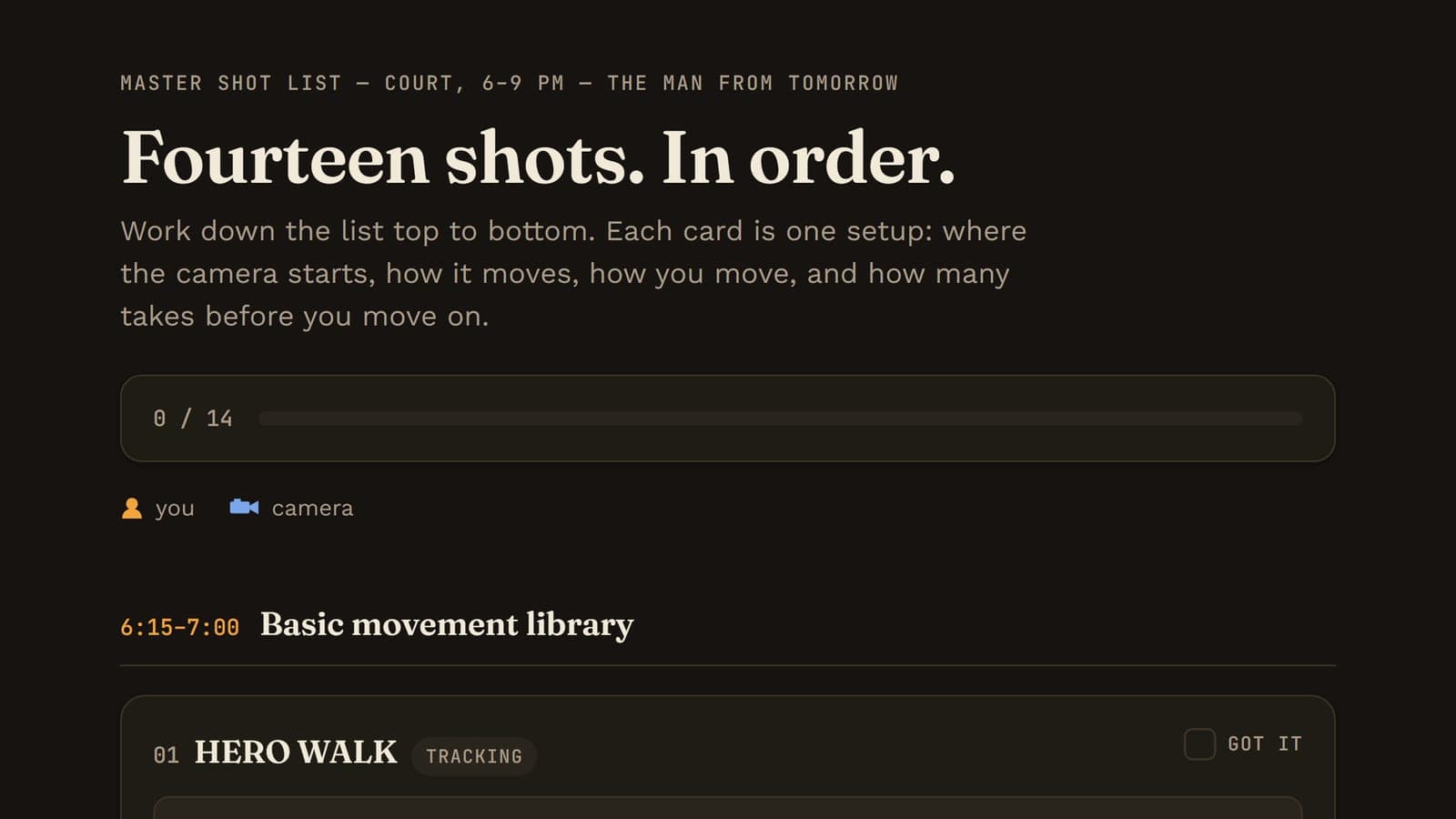
I needed to shoot three hours of raw footage on a basketball court for The Man From Tomorrow, an AI cinematic project — fourteen setups, from a simple hero walk to a back-to-camera turn that had to land exactly right. The person operating the camera had never done this kind of work before, and I wasn't going to have time to re-explain each setup, twice, in the dark, between takes.
The constraint
No crew, one evening, and a checklist that had to survive being read off a phone screen standing on a court after sunset — by someone who'd get maybe thirty seconds of instruction before each shot.
Use it
Three pages, each earning a different job rather than three versions of the same thing:
Move at Half Speed is the one rule underneath every shot, demonstrated rather than described — a looping side-by-side of natural pace against the half-speed that actually reads as cinematic, and the roll/action/hold rhythm every take follows.
Court Storyboard is the working document: all fourteen shots as cards — starting position, camera movement, my movement, framing, timing, takes — each with a small looping top-down diagram of the motion, and a checkbox that persists locally so the list stays honest about what's actually done.
The Court Briefing turns the same fourteen shots into something closer to a video: autoplaying, vertical-framed to match the phone footage itself, captions timed like subtitles, with play/pause and a scrubber — a version you watch once before you start, rather than read.
Where it breaks
Three formats for one shoot was probably one too many going in — I built all of them before ever standing on the court to find out which one we'd actually reach for. In practice the storyboard did the real work; the briefing mostly repeated it in a slower format. Next time: build the checklist first, run the shoot, and only add a second format if the first one visibly fails on set.
A shooting guide for two people and one phone
Twelve cinematic shots blocked out as animated top-down diagrams, with a live preview of what the lens actually sees — built to hand to a cameraman who has never done this before.
Read ProjectsThis site
A personal platform built to grow — five content collections, a design system in one file, and a publishing loop that starts on Instagram and ends here.
Read ResourcesHow I actually build with Claude Code
The working loop — persistent project context, questions before code, small verified slices, and checking the browser instead of trusting the summary.
ReadTell me what you built with it.
Genuinely useful feedback is what decides which resource gets written next.